One Simple AI Tool That Makes Your Content Sound Like a Human Expert
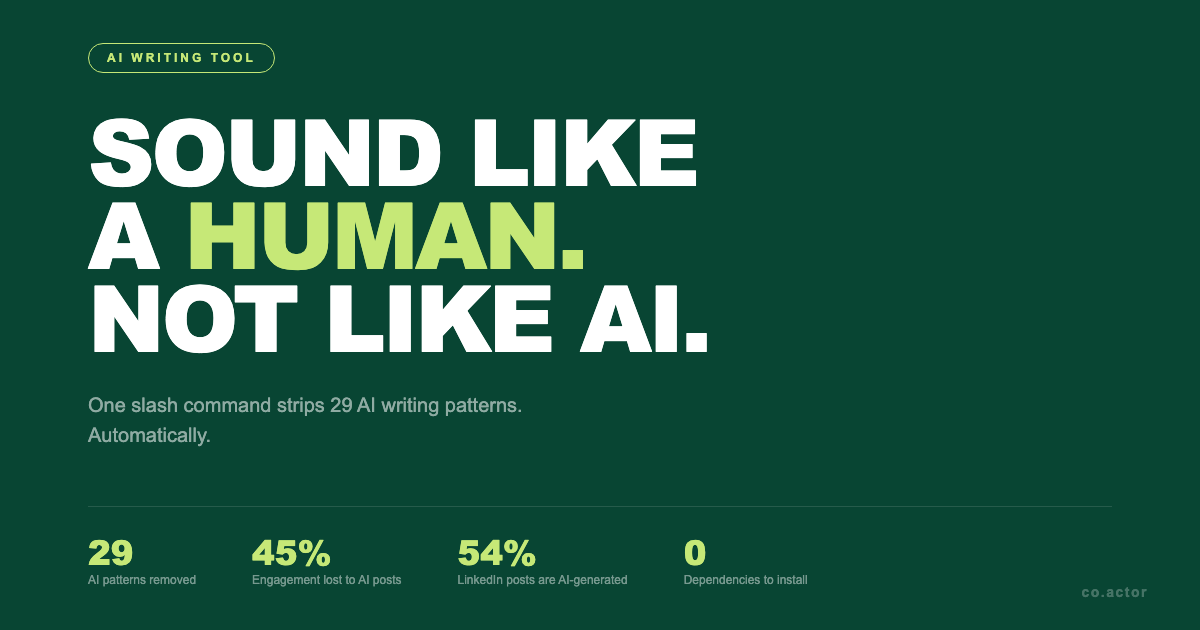
54% of long-form LinkedIn posts are now AI-generated. According to an Originality.AI study of 8,795 posts, those AI posts get 45% less engagement than human-written ones. Since 2025, LinkedIn's algorithm actively downranks what it calls "generic AI-generated content."
The problem isn't that you used ChatGPT or Claude. The problem is the model has 29 detectable patterns it falls back on by default. Hedge openers. Tricolons. Em-dash connectors. Neat resolution closers. Every reader on LinkedIn has been trained to spot them in the first two seconds.
One tool strips all 29 of those patterns out automatically. It runs as a slash command inside Claude Code or OpenCode. There is no installation beyond cloning a folder. This piece walks through what it is, how to set it up, and a manual prompt for ChatGPT users who want a similar result.
Why AI Content Gets Flagged
Bloomberry analyzed thousands of AI-written LinkedIn posts and found four structural fingerprints in roughly 82% of them.
The first is the hedge opener. "In today's rapidly evolving landscape." "In an era of unprecedented change." The post is buying time before saying anything.
The second is the tricolon. Lists of exactly three items, often parallel in length. "Faster, cheaper, smarter." "Ideate, iterate, deliver." Models love three. Humans usually write two or four.
The third is the em-dash connector. The model joins two clauses with a long dash to sound thoughtful. Real writers use periods.
The fourth is the neat resolution closer. "The key takeaway here is..." "At the end of the day..." A human ending is often abrupt. A model ending wraps things up.
On top of structure, there is vocabulary. Delve. Tapestry. Realm. Showcase. Harness. Underscore. "It's not just X, it's Y." "Here's the thing." "Let that sink in." Once you see the list, you cannot unsee it in your feed.
Meet Humanizer
Humanizer is a skill for Claude Code and OpenCode that detects and rewrites those 29 patterns. It is based on the patterns documented in Wikipedia's "Signs of AI writing" guide, plus the structural fingerprints from the engagement studies.
GitHub: github.com/blader/humanizer
A few things worth knowing before you install it:
- It is a single
SKILL.mdfile. No code, no dependencies, no API keys. - You drop it into your skills directory and invoke it as
/humanizer. - It catches all 29 patterns in one pass.
- It includes a built-in voice calibration mode that matches your personal writing style instead of producing generic clean output.
How to Install It
For Claude Code
mkdir -p ~/.claude/skills
git clone https://github.com/blader/humanizer.git ~/.claude/skills/humanizer
For OpenCode
mkdir -p ~/.config/opencode/skills
git clone https://github.com/blader/humanizer.git ~/.config/opencode/skills/humanizer
OpenCode also scans ~/.claude/skills/, so if you already cloned it there, both tools see it.
Restart Claude Code. The /humanizer command is now available.
Basic Usage
/humanizer
[paste your AI-generated LinkedIn post here]
That is the whole interaction. The skill reads your text, identifies the patterns, and returns a rewrite. No flags, no settings, no system prompt to maintain.
The Voice Calibration Feature
Generic humanization makes your content sound clean. It still does not sound like you. That is why posts coming out of "humanizer" tools often feel like a different person wrote them. Voice calibration solves that.
/humanizer
Here's a sample of my writing for voice matching: [paste 2 to 3 paragraphs you have written yourself]
Now humanize this text: [paste your AI-generated content here]
The skill reads your sample for rhythm, vocabulary, sentence-length variance, and signature quirks. It applies them to the rewrite. The output does not just sound human. It sounds like the human you are.
This is the part that matters most. A clean rewrite is a commodity. A rewrite that sounds like your actual LinkedIn voice is hard to fake and hard to detect.
The Before and After
This example is from the Humanizer README. Same information in both versions. The effect is completely different.
Before
AI-assisted coding serves as an enduring testament to the transformative potential of large language models, marking a pivotal moment in the evolution of software development. In today's rapidly evolving technological landscape, these groundbreaking tools, nestled at the intersection of research and practice, are reshaping how engineers ideate, iterate, and deliver.
💡 Speed: Code generation is significantly faster, reducing friction and empowering developers.
🚀 Quality: Output quality has been enhanced through improved training.
After
Notice what changed. The hedge opener is gone. The tricolon ("ideate, iterate, deliver") is gone. The emoji bullets are gone. The vocabulary is concrete: "boilerplate," "config files," "compiled and passed lint." The second paragraph admits something. AI text rarely admits anything.AI coding assistants can speed up the boring parts of the job. They're great at boilerplate: config files and the little glue code you don't want to write. They can also help you sketch a test, but you still have to read it.
The dangerous part is how confident the suggestions look. I've accepted code that compiled and passed lint, then discovered later it missed the point because I stopped paying attention.
That is what 29 patterns look like when you remove them at once.
For ChatGPT Users: The Manual Version
Not everyone uses Claude Code. If you write in ChatGPT, you can approximate the same result with a prompt. It will not catch all 29 patterns, but it covers the most visible ones.
Act as my AI writing editor. Rewrite the following text to sound human and natural.
Apply these rules:
- Remove hedge openers ("In today's landscape...", "In an era of...")
- Cut these words: delve, tapestry, realm, showcase, harness, leverage, underscore
- Cut these patterns: "It's not just X, it's Y", "Here's the thing", "Let that sink in", "At its core"
- Replace lists of three with lists of two or four items
- Remove em dashes. Use periods or commas instead.
- Vary sentence length. Mix short sentences with longer ones.
- Remove emoji
- Don't wrap up neatly at the end
- State ideas directly without "The truth is" or "What matters is"
Text to rewrite: [paste your text]This manual prompt covers roughly 15 of the 29 patterns Humanizer handles. The trade-off is that you have to maintain the prompt yourself, paste it every time, and remember which rules you added last week. The skill version does all of that automatically and gets the other 14 patterns the prompt misses.
If you write a few posts a month, the manual prompt is fine. If you publish on LinkedIn every weekday, the skill saves real time.
A Note on What This Tool Does Not Do
Humanizer does not write for you. It does not generate ideas, hooks, or angles. It takes content you already have and removes the AI fingerprints from it. The thinking still has to come from you, or from another tool further upstream in your workflow.
It also does not bypass AI detectors as a feature. It just happens that text without the 29 patterns reads as human, because that is what humans actually write like. The detection score is a side effect of the rewrite being good.
The Limit of Generic Humanization
The skill gets you to "sounds human." Voice calibration gets you closer to "sounds like you" for a single post. Neither one solves the harder problem: keeping a consistent authorial voice across hundreds of pieces of content over months, without rewriting a sample paragraph every time you sit down to publish.
If you want to go deeper, that is what Co.Actor does. It analyzes how you write, extracts your authorial style as a model, and applies it across every piece of content you create. No prompts to maintain. No style guides to update by hand. The same voice on a Tuesday LinkedIn post and a Thursday newsletter and a quarterly thought-leadership piece.
Try Co.Actor free at co.actor/signup.
Written by
